

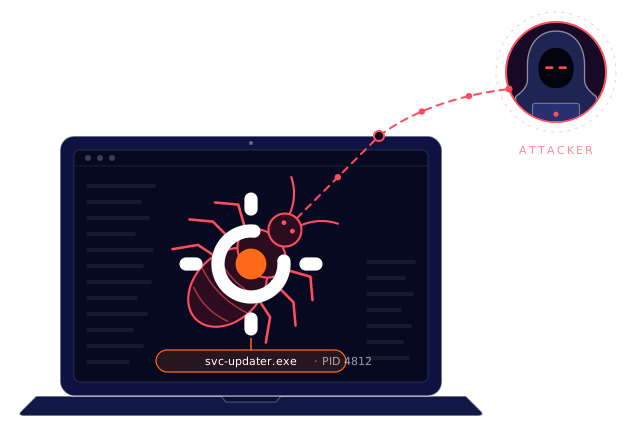
Blocking stops the request. It doesn't stop the malware.
A DNS block hides the symptom while the cause stays in place. ThreatOrigin traces every blocked query back to its origin, so your team removes the cause, not only the request.
WHAT YOU GET
What ThreatOrigin tells you
Not four more columns in a log. A finding that says what happened, where it started and what to do.
No infection. A streaming site is the cause.
- Referrer
- free-movies.example
- Spread path
- One device. No path
- Real device
- WS-0188 · user34
- Process
- chrome.exe
Block the site. Leave the device alone.
Malware is spreading inside your network.
- Referrer
- None. Direct queries
- Spread path
- WS-0142 on 3 Nov, then WS-0167, WS-0203, WS-0118
- Real device
- WS-0142 · user21
- Process
- updater.exe, started by cmd.exe
Start with WS-0142. Remove updater.exe on all four devices.
Illustrative findings
What each origin needs
| ORIGIN | FOUND FROM | NEEDS |
|---|---|---|
| The referrer | FOUND FROMThe domain link map in threat intelligence | NEEDSDNS traffic. No agent. |
| The spread path | FOUND FROMYour query history, per device and company | NEEDSDNS traffic. No agent. |
| The real device | FOUND FROMYour DNS, DHCP and Active Directory logs | NEEDSRuns on premises. No network change. |
| The process | FOUND FROMThe DNSEndpoint agent, or the XDR you already run | NEEDSCloud: agent on Windows and macOS. On premises: a supported XDR. |
There's more to discover !

Hey, I'm Sensei
I can walk you through everything about finding the origin. What's on your mind?